An Introduction to Bitcoin Wallet Types
How to Recover a Lost Bitcoin Wallet Password by KeychainX

This article was published more than a year ago. Some information may no longer be current.

SHARE

Recovering lost Bitcoin wallet passwords is a challenge that many individuals face. This guide, prepared in July 2024, provides an overview of various wallet formats and methods to recover Bitcoin wallet passwords effectively.
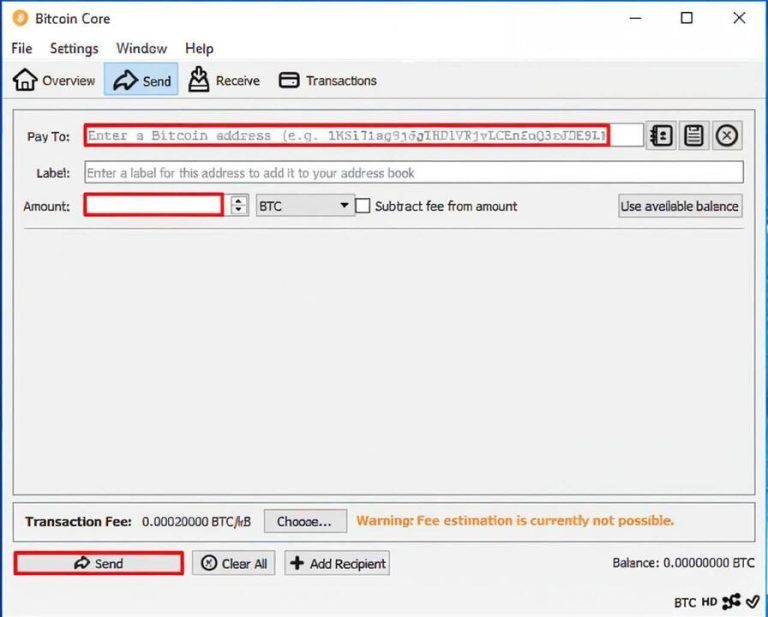
Can a Lost Bitcoin Password Be Recovered?
Yes, recovering a lost Bitcoin password is possible with the right information. Essential details include an encrypted wallet backup file, a sequence of 12–28 words, or access to a device with the wallet app installed. In some cases, such as when a Shamir secret is used, recovery may involve multiple sets of 20 or 33 words.
Steps to Recover a Bitcoin Wallet
The first step in recovery is identifying the type of wallet and locating the backup file. Knowing the wallet address can also assist in the process. Below are common Bitcoin wallet formats and their associated files:
- Blockchain.com: (wallet.aes.json)
- Bitcoin Core: (wallet.dat)
- Electrum: ( backup_wallet.json )
- Schildbach Android Wallet: ( bitcoin-wallet-backup.bin)
- Trezor Hardware Wallet: 12/24-word seed phrase + optional passphrase
- BIP-39 Paper Wallet: Encrypted string starting with “6P”
- Armory Bitcoin Wallet
- Jaxx Wallet
Recovering a Blockchain.com Wallet
- Check if the wallet is registered with Blockchain.com using the email address associated with the account. Enter the email address on the login page at blockchain.com/login and check for an email containing wallet IDs.
- Retrieve the encrypted wallet by using the developer tools in Chrome:
- Open the developer tools tab (More tools > Developer tools).
- Enter an incorrect password and inspect the network tab.
- Locate the “Payload” string, copy it, and save it as wallet.json in a text editor.
- Modify the file:
- Replace all occurrences of /\” with ” and \/ with /.
- Use the blockchain2john.py script from the John the Ripper GitHub repository to extract hashes. This script works with Hashcat using mode 15200 for wallets version 2.0 and above. For older versions, mode 12700 is required.
- If additional help is needed, consult an expert, such as KeychainX.
Recovering Trezor Wallets with a Passphrase
Trezor hardware wallets offer the option of a “25th word” passphrase for added security. Recovery steps include:
- Gather the 12 or 24 seed words. For Shamir Secret wallets, multiple sets of 20 or 33 words may be required.
- Use the seedrecover.py script from the btcrecover GitHub repository.
- Install Python from python.org.
- Provide the script with the seed words and the first-used Bitcoin or Ethereum address. The program will attempt to find the correct word combinations.
Recovering Bitcoin Core Wallets (wallet.dat)
Bitcoin Core wallets store data in a wallet.dat file, which can contain multiple addresses. To recover:
- Use the bitcoin2john.py script from the John the Ripper repository to generate hashes for Hashcat.
- Command: python bitcoin2john.py wallet.dat > outputhash.txt
- Utilize Hashcat with mode 11300 to recover passwords. This mode is compatible with Bitcoin, Litecoin, and Dogecoin wallet files.
- Refer to Hashcat’s official documentation for additional guidance.
Recovering Bitcoin Paper Wallets
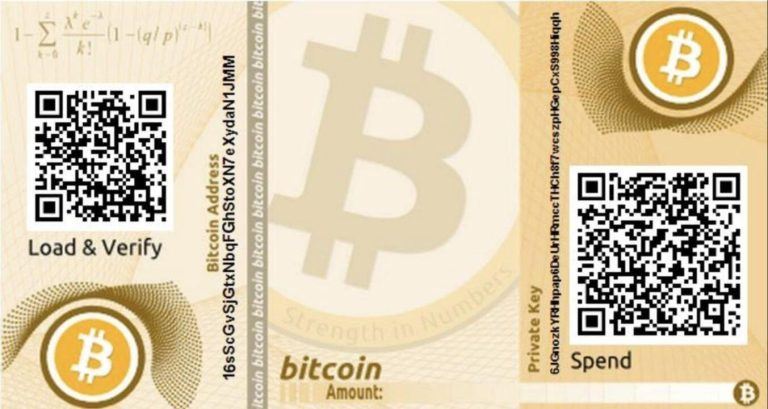
Bitcoin paper wallets feature an encrypted private key (WIF) that begins with “6P.” To recover:
- Use the BTCRecover tool, available at btcrecover GitHub repository.
- Input a list of known passwords to attempt brute force recovery.
Recovering Electrum Wallets
Electrum wallets can be recovered using the following steps:
- Extract the hash with the electrum2john.py script from the John the Ripper GitHub repository.
- Download Hashcat from hashcat.net.
- Determine the wallet’s salt type and use the corresponding Hashcat mode:
- Mode 16600: Salt-Type 1–3
- Mode 21700: Salt-Type 4
- Mode 21800: Salt-Type 5
- Experiment with different modes if the wallet’s salt type is unknown.
Conclusion
Recovering a lost Bitcoin wallet password is often possible with proper preparation and the right tools. If the process proves too challenging, consider seeking professional assistance from experts like KeychainX or contacting them via email at keychainx@protonmail.com.
Disclaimer
This guide is authored by KeychainX wallet recovery services in January 2025. Updates will be made to include new wallet types. For assistance, feel free to contact via email or Telegram (@keychainx).
This is a sponsored story. Please conduct your own due diligence and make an informed decision before taking any action. Bitcoin.com accepts no responsibility or liability.